Ever wondered how to make your own game on Roblox, the massive online platform with millions of daily active users? It might seem a bit daunting at first, but honestly, it's way more accessible than you think! This guide is packed with all the info you need to get started, whether you're a complete beginner or just looking for a refresher. We'll walk you through the essential tools, like Roblox Studio, and explain how to bring your wildest game ideas to life. You'll learn about building environments, scripting game logic, and even how to share your masterpiece with the world. Making a game on Roblox is a fantastic way to unleash your creativity, learn valuable coding skills, and potentially even earn some Robux. So, if you're ready to dive into the exciting world of game development, you've come to the right place. We've got the answers to all those burning questions you've been searching for. This is your ultimate navigational resource to becoming a Roblox developer today.
So, you’re thinking, "how to make a game on Roblox?" Honestly, that's one of the coolest questions you can ask right now. Millions of players are having a blast on Roblox every single day, and many are even making a living from their creations. It’s pretty wild to think about, isn't it? But here’s the thing, getting started might seem a bit like trying to solve a Rubik's Cube blindfolded, but I promise you, it's totally achievable. Many people have this idea that you need to be a super coder or an expert designer. But that's just not the case here. Roblox has actually made it incredibly user-friendly for anyone with a creative spark to jump in and start building. In my experience, the biggest hurdle is just taking that first step, you know?
We’ve all seen those amazing games on Roblox, the ones with millions of visits and tons of positive reviews. And then you wonder, "could I really make something like that?" The short answer is yes, you absolutely can. It all starts with understanding the tools available to you. The primary tool, and your best friend in this journey, is Roblox Studio. It’s a powerful platform, and get this, it’s completely free to download and use. This isn't some expensive software that requires a huge investment. It's accessible to everyone. But, like any powerful tool, knowing how to wield it effectively is key to creating something truly special. You'll be surprised how quickly you can pick up the basics and start seeing your ideas come to life within the Studio environment.
Getting Started with Roblox Studio: Your Creative Hub
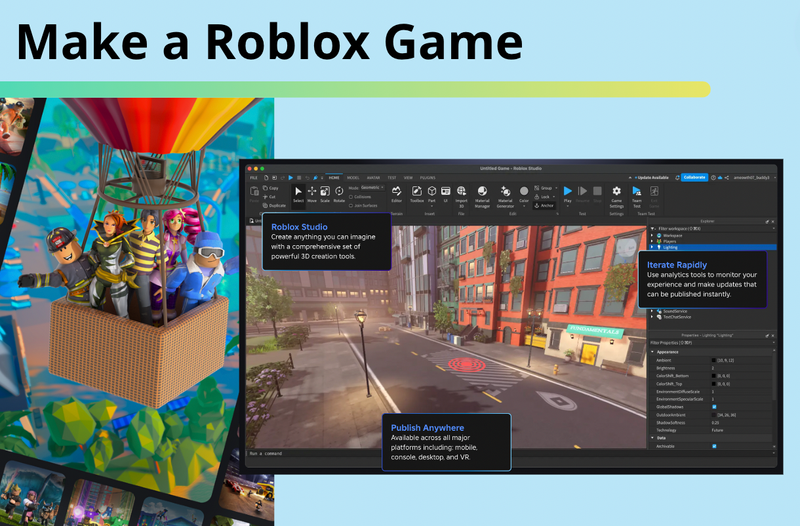
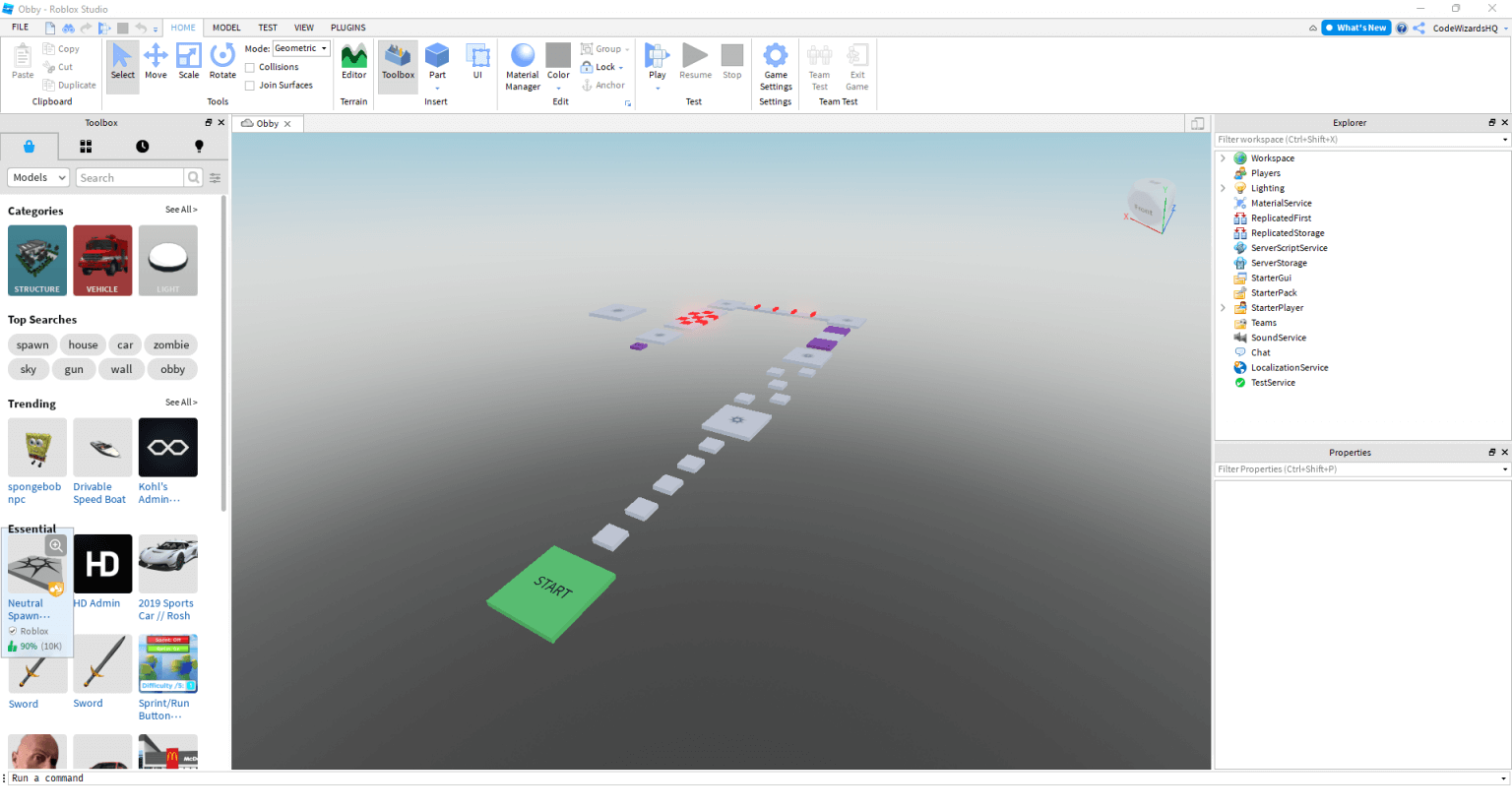
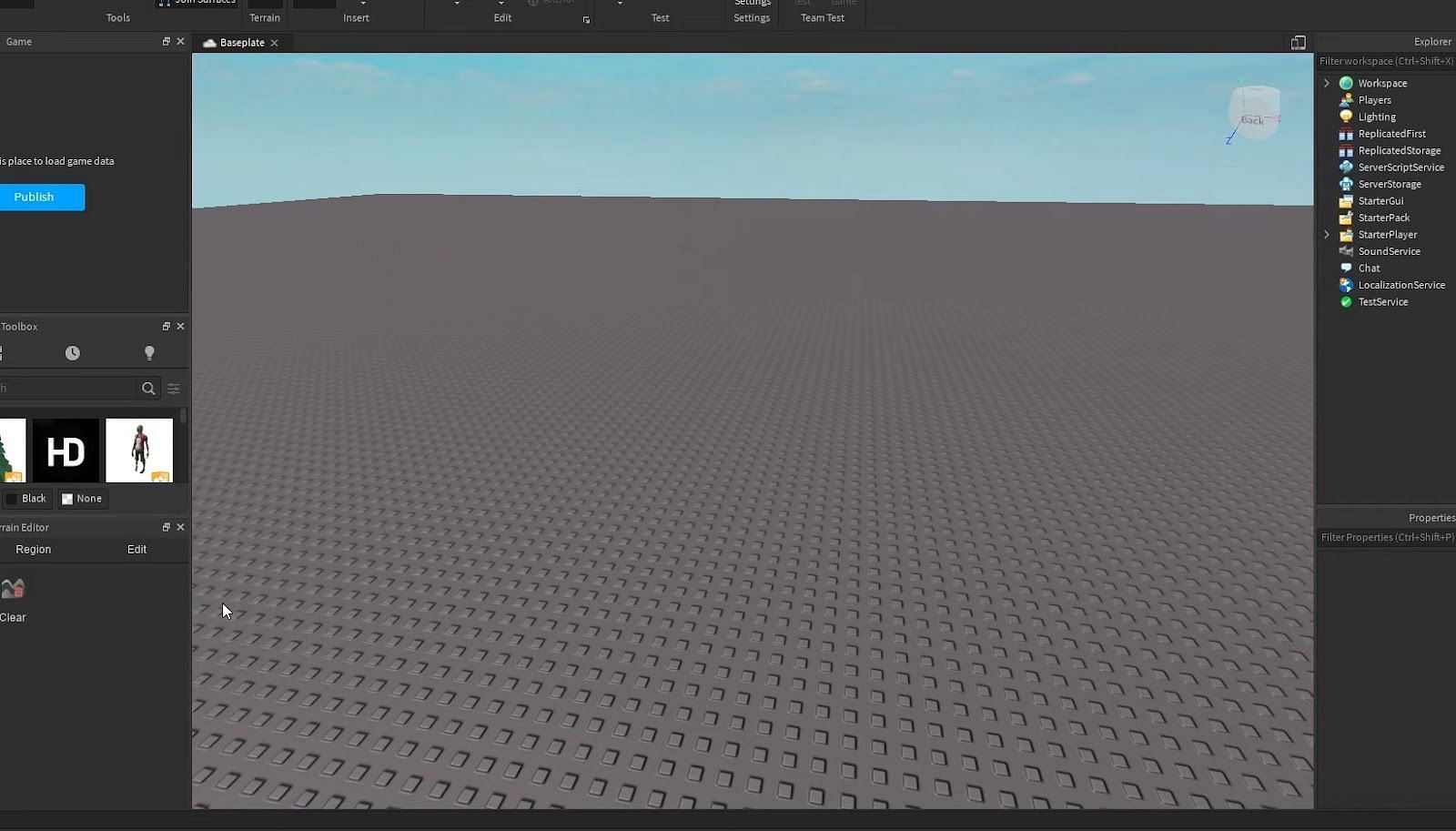
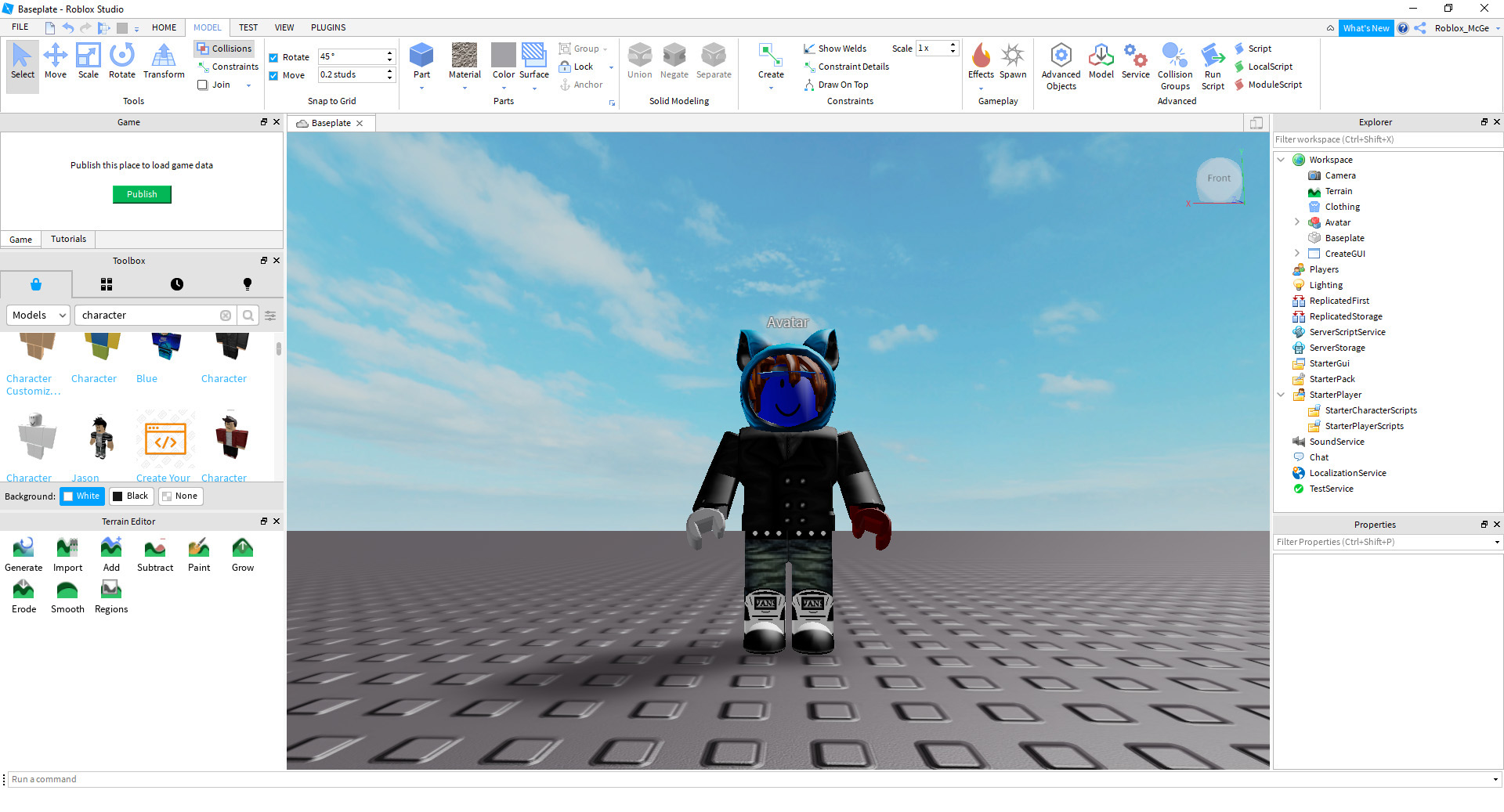
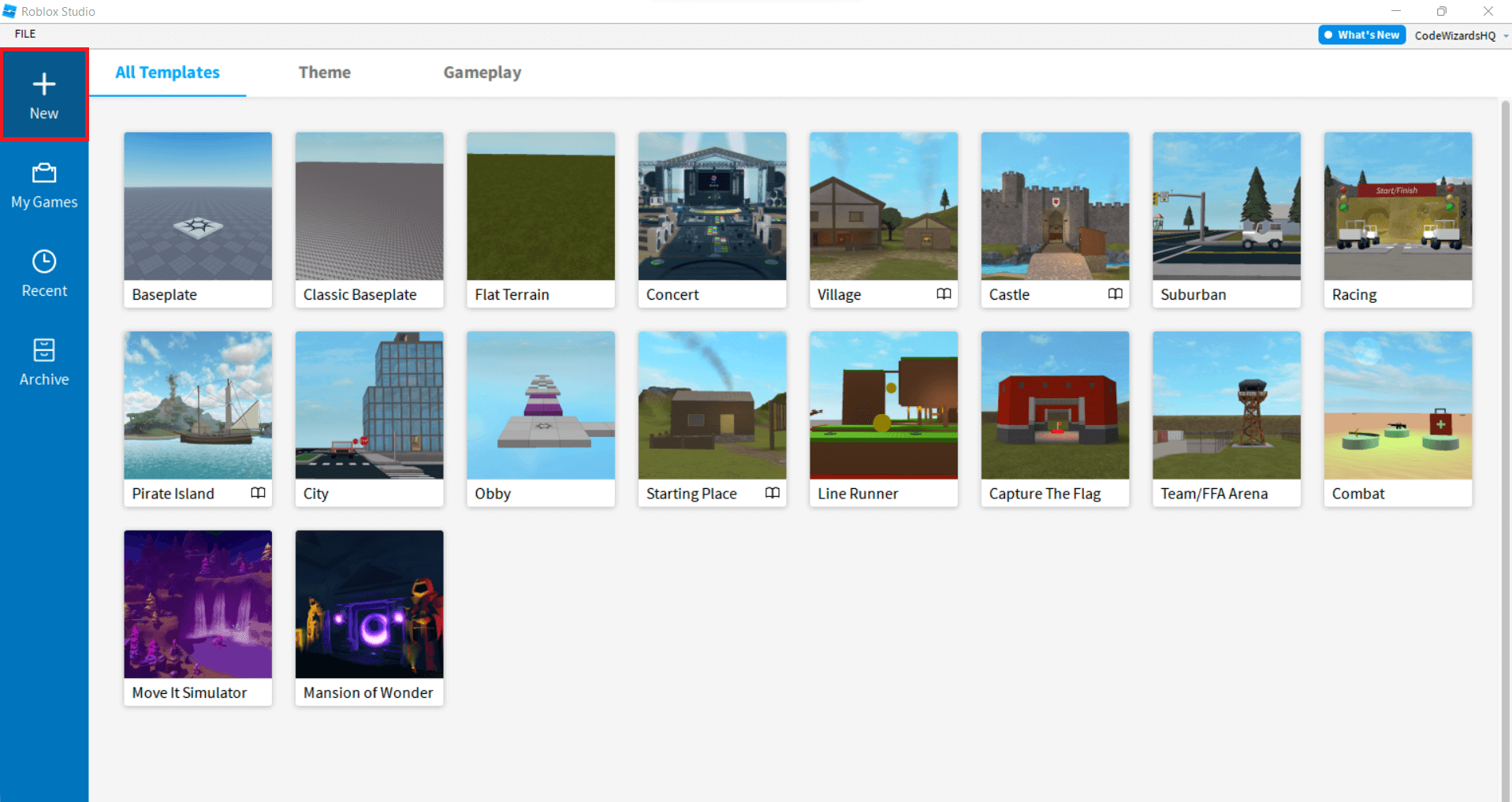
Okay, so let’s talk about Roblox Studio, because this is where all the magic happens. First things first, you'll need to download it. Just head over to the official Roblox website, log in, and you'll find a link there to get the Studio application. It's a quick and easy install process, honestly, nothing too complicated. Once you’ve got it running, you’ll be greeted by a workspace that might look a bit overwhelming at first glance. But don't let that intimidate you. Think of it as your virtual workshop, full of tools waiting for you to discover them. You’ve got a viewport where you see your game world, and various panels for properties, explorer, and toolbox. It’s all about getting familiar with these different sections. I’ve seen so many new developers feel lost, but honestly, just poking around is a great start. You'll begin to understand what each part does and how it helps you build your game world. There are also tons of official tutorials that are super helpful. Just open it up and click through some of the templates to see what's possible.
Navigating the Studio Interface
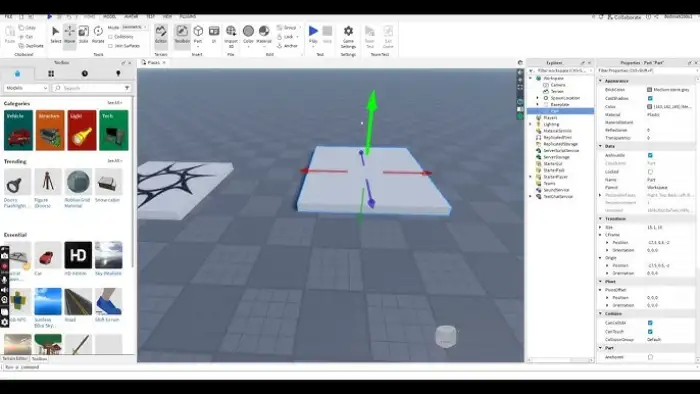
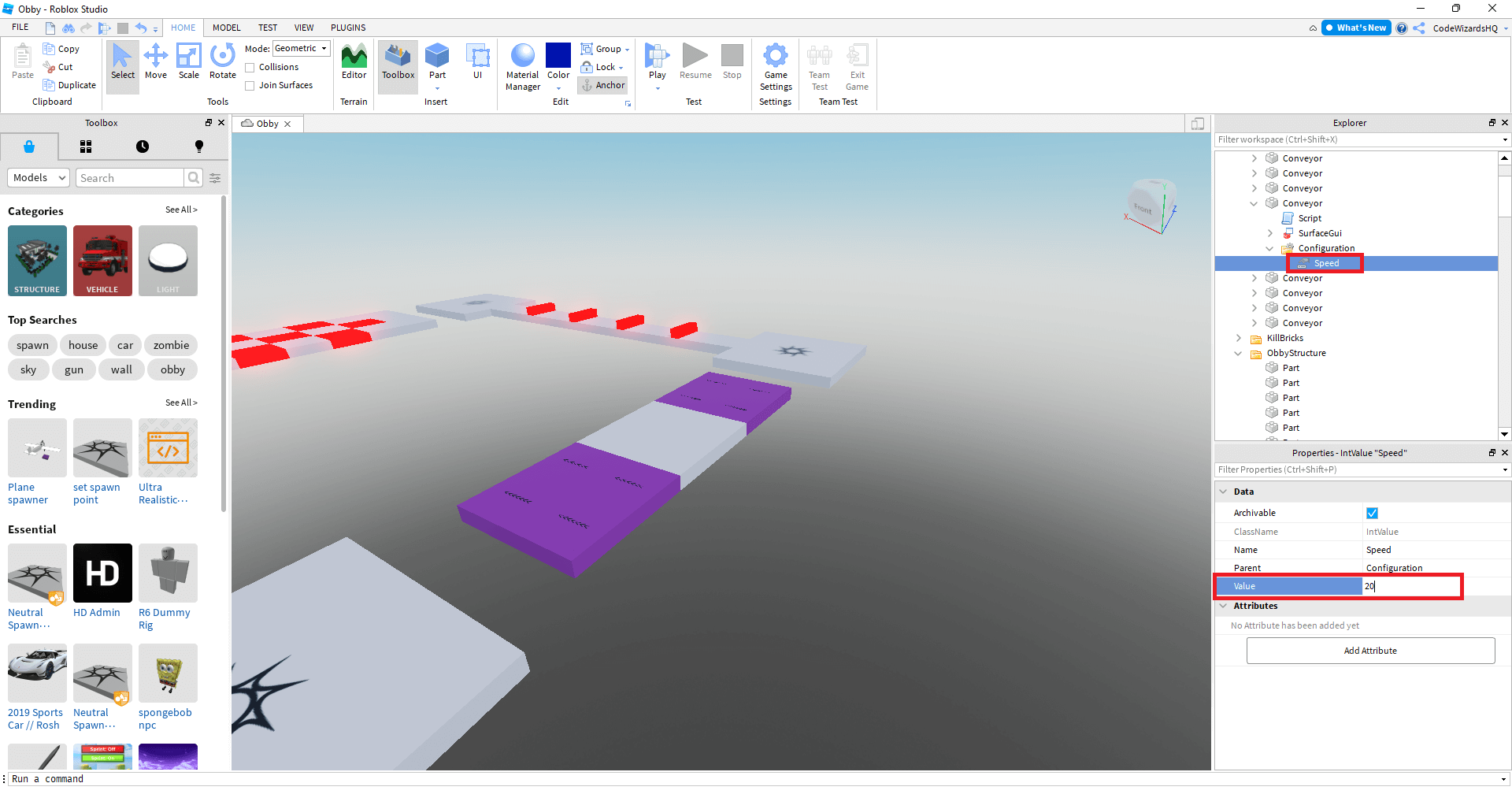
So, once you open Roblox Studio, you’ll notice a few key areas that are essential for development. The 'Explorer' window is your best friend for managing everything in your game. It lists every single object, from parts to scripts to models. You can easily click on items here to select them. Then there's the 'Properties' window, which lets you tweak all sorts of settings for whatever you have selected. Think colors, sizes, positions, even how reflective an object is. It's really detailed, actually. And for adding stuff quickly, the 'Toolbox' is a goldmine. It has thousands of free models, sounds, and images uploaded by other users. You can literally drag and drop elements right into your game. It’s incredibly handy for prototyping or finding inspiration. Learning these three panels will seriously boost your building efficiency. And honestly, just practicing moving things around and changing properties helps a lot.
Building Your Game World: From Ideas to Structures
Now, let's get into the fun part: actually building things in your game. This is where your imagination can truly run wild. Roblox Studio offers a robust set of tools for creating environments, characters, and interactive elements. You'll primarily be working with 'Parts,' which are the basic building blocks of any Roblox game. These are essentially 3D shapes like blocks, spheres, wedges, and cylinders. You can scale them, rotate them, move them around, and connect them to form more complex structures. It's kind of like playing with digital LEGOs, but with way more flexibility. I’ve seen people build entire cities and intricate landscapes just using these basic parts. It’s amazing what you can achieve with a bit of patience and creativity. Remember, every great game starts with a solid foundation, and these parts are your foundation.
Creating with Basic Parts and Models
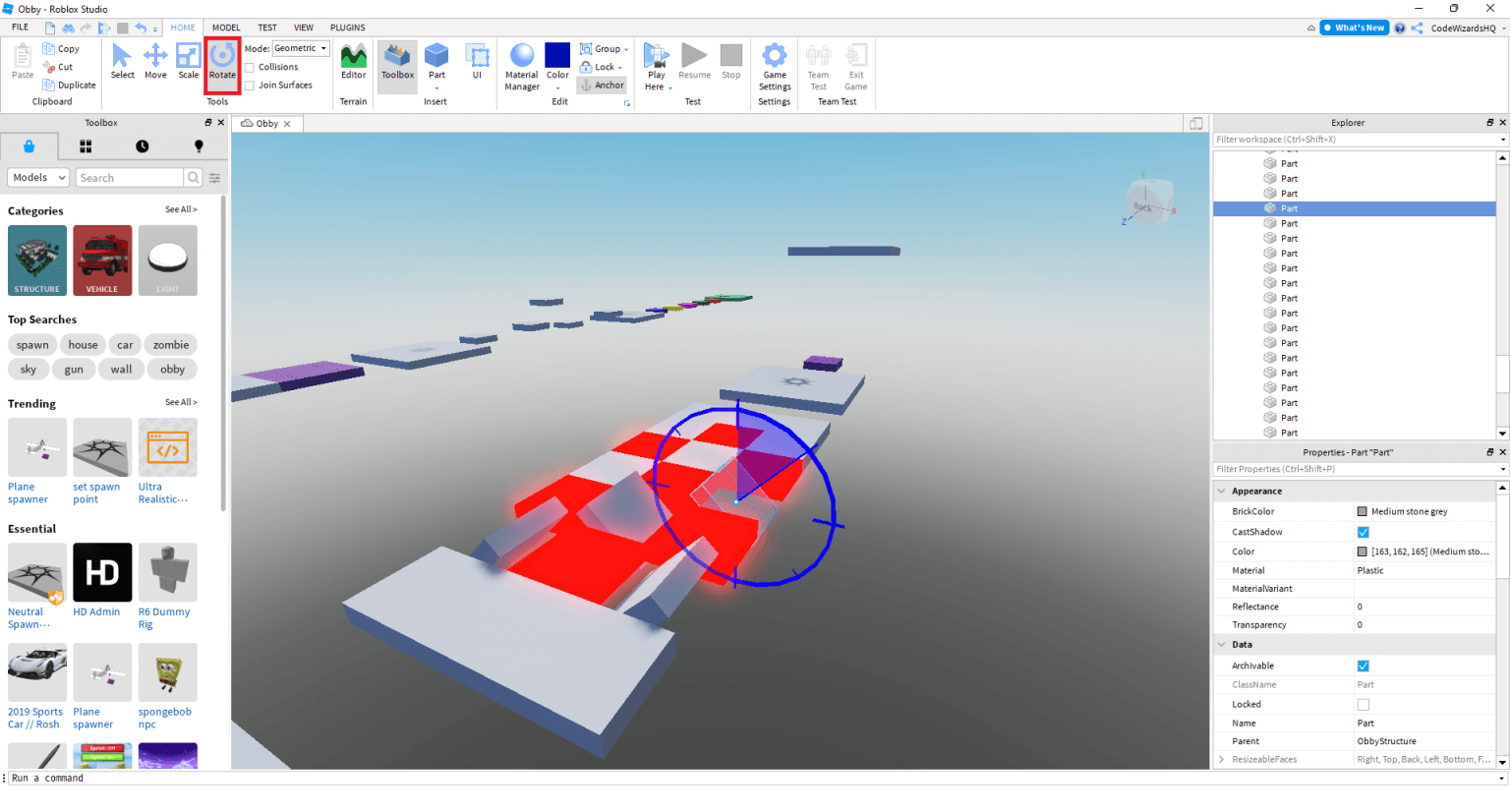
When you're building, start simple. Grab a 'Part' from the 'Model' tab in Studio and drag it into your workspace. You can then use the 'Move,' 'Scale,' and 'Rotate' tools to shape it however you like. Want a wall? Stretch a block. Need a ramp? Use a wedge. It's that straightforward, truly. As you get more comfortable, you can start combining multiple parts to create more complex objects, then 'Group' them together to make a single model. This keeps your game organized and makes it easier to manipulate larger creations. And don't forget the 'Toolbox' I mentioned earlier. If you need a tree, a car, or even a pre-built house, chances are someone else has already made one and shared it for free. This is super helpful for beginners, allowing you to focus on game design rather than modeling every single small detail. But always check the quality of free models.
Adding Interactivity with Scripting: Bringing Your Game to Life
Building cool structures is awesome, but what truly makes a game engaging is interactivity. This is where scripting comes in, using a programming language called Lua. Don't let the word 'programming' scare you; Lua is considered one of the easier languages to learn, especially for beginners. It's what allows you to make doors open, buttons clickable, characters move in specific ways, and so much more. You'll write scripts that tell your game objects what to do and when to do it. For example, a simple script could make a part change color when a player touches it. Or maybe it makes a trap disappear after a certain amount of time. The possibilities are honestly endless once you grasp the basics. It’s like giving your creations a brain and a personality. And trust me, seeing your script work for the first time is such a rewarding feeling.
Introduction to Lua Scripting
To start scripting, you'll right-click on an object in the 'Explorer' window and select 'Insert Object' then 'Script.' This opens up a new window where you can type your code. A very common first script is a simple 'Hello World' message that prints in the output window. But you'll quickly move on to making objects move, detecting player input, or creating game loops. Roblox provides extensive documentation and tutorials specifically for Lua scripting within Studio. They cover everything from basic variables and functions to more advanced concepts like events and services. I've found that starting with small, manageable projects is the best way to learn. Try to make a part disappear when clicked, or create a simple timer. Each small success builds your confidence. And remember, debugging is a part of the process, so don't get frustrated if your code doesn't work perfectly on the first try.
Testing, Publishing, and Monetization: Sharing Your Vision
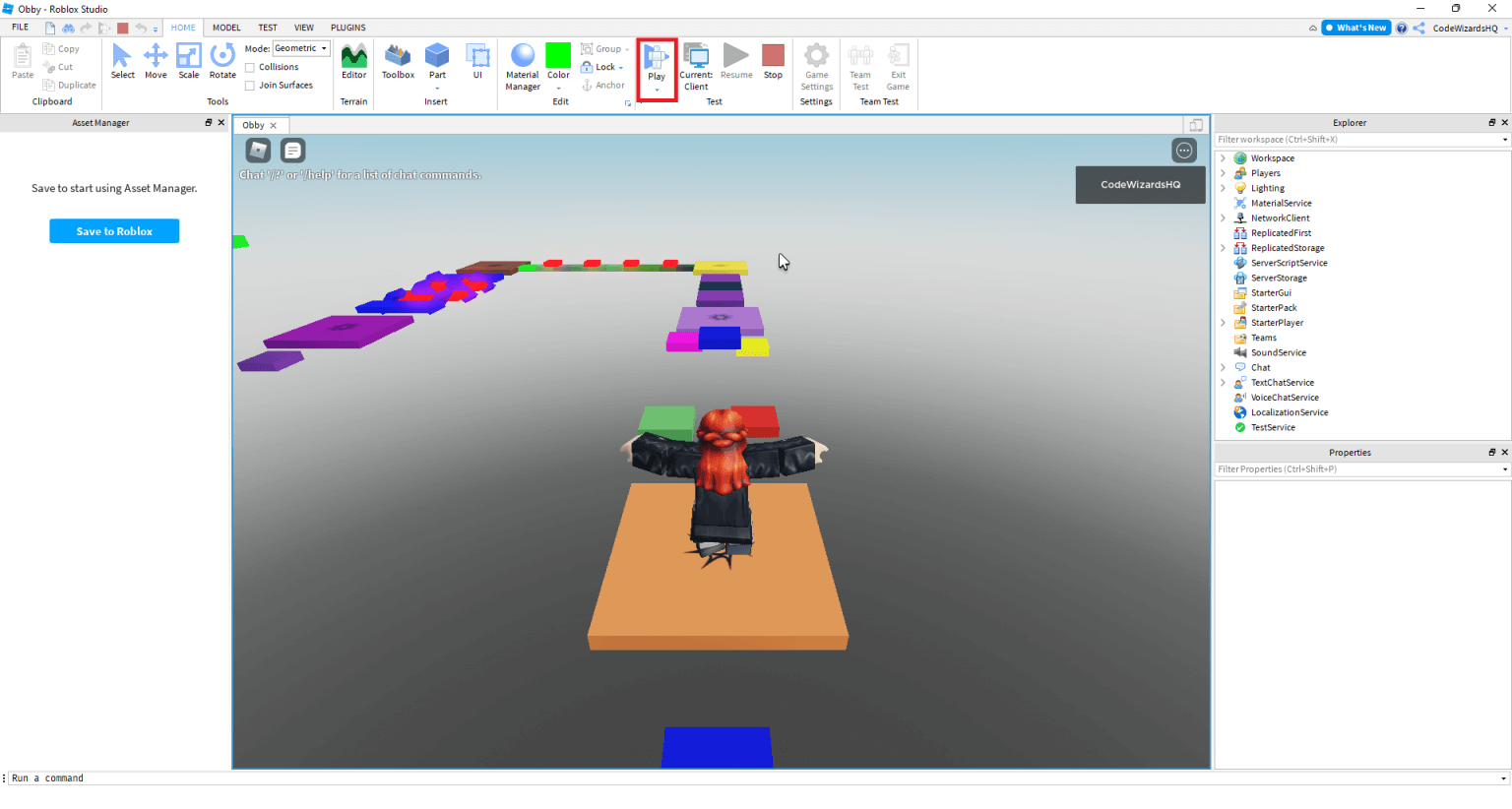
Once you’ve built your game and added some awesome scripts, it’s crucial to test it thoroughly. You want to make sure everything works as intended, from player movement to game mechanics and all your interactive elements. Roblox Studio has a built-in 'Play' button that lets you jump right into your game as if you were a regular player. This is invaluable for identifying bugs, glitches, or areas where the gameplay just isn't quite right. Playtesting with friends or a small group of testers can also provide fantastic feedback. They might spot things you completely missed, which is super common, believe me. After all that hard work and testing, it’s time to share your creation with the world. Publishing your game on Roblox is surprisingly simple. You just hit the 'Publish to Roblox' button in Studio, give your game a catchy name, and write a compelling description. And then, it's out there for millions to discover!
Releasing Your Game and Earning Robux
Publishing your game is just the beginning of its journey. Once it's live, players can find it and start playing. But how do you get people to actually find your game? Marketing plays a big role, even on Roblox. Sharing it with friends, promoting it on social media, and even running Roblox ads can help. And speaking of earning, Roblox offers several ways to monetize your game. The most common is through 'Game Passes' and 'Developer Products.' Game Passes are one-time purchases that give players permanent perks, like special abilities or exclusive items. Developer Products are consumable items, such as extra coins or power-ups. You set the prices for these items, and when players buy them with Robux, you get a percentage. It’s pretty cool how you can turn your hobby into a way to earn some virtual currency. Just remember, creating a fun and engaging game is the first step to successful monetization.
So, does that make sense? I know it's a lot to take in at once, but honestly, it's a journey. What exactly are you trying to achieve with your first game?
Learn Roblox Studio essentials, master basic game building techniques, understand simple Lua scripting, discover how to test and publish your game, explore monetization options for your creations, find answers to common developer questions.
Roblox Game Examples At Leon Donovan Blog Screen Shot 2022 04 21 At 10.22.45 AM Cara Membuat Game Roblox Panduan Langkah Demi Langkah Blog Meshy How To Make A Roblox Game Cover.webpHow To Make A Roblox Game In 15 Minutes Create Roblox Games Step 11 1024x545
Roblox Game Success Your Guide To Popularity Step 4 1536x822 How To Make A Roblox Game In 15 Minutes Create Roblox Games 02 Build A Roblox Game 600x323 1 How To MAKE A GAME TUTORIAL In Roblox Studio YouTube MAKE A GAME ON ROBLOX STUDIO CODAKID S SUPER AWESOME OBBY TUTORIAL
How To Make A Roblox Game From Scratch Roblox GameHow To Make A Roblox Game In 15 Minutes Create Roblox Games Step 10 1536x822 How To Make A Roblox Game In 15 Minutes Create Roblox Games Step 5 1536x822 How To Make Your Own Roblox Game Roblox Studio YouTube
How To Make A Roblox Game In 2024 FOR BEGINNERS YouTube Games Review Fluxmaze How To Make A Game On Roblox.webpRoblox A Guide On How To Create A Game On Roblox.webpHow To Make Your Own Game On Roblox Pc
Roblox Make Your Own Game Roblox Game Creation Tutorial Roblox Creator Dashboard SKRW How To Create Your OWN GAME In Roblox YouTube HOW TO MAKE A ROBLOX GAME IN 10 MINUTES YouTube
Step 4 Of Creating A Roblox Game On Roblox Studio 04 1024x1024 How To Make A Roblox Game 242a5 1920 Make Roblox Create Step 7 How To Make A Fun Roblox Game For Free In Minutes Screen Shot 2024 10 17 At 5.41.09 PM
How To Make A Roblox Game In 15 Minutes Create Roblox Games Step 9 1536x826 How To Make A Roblox Game In 2023 Easy Guide Beebom How To Make A Roblox Game In 2023 How To Make A Roblox Game 2022 YouTube How To Make A Roblox Game In 15 Minutes Create Roblox Games Step 8
How To Make A Roblox Game A Beginner S Guide The Tech Edvocate 2023 06 What Will Roblox Look Like In 2026 Blog Graphics 26 How To Make A Roblox Game In 20 Minutes 2023 YouTube How To Make A Roblox Game In 15 Minutes 2020 Tutorial YouTube
Roblox How To Make A Roblox Game H Ng D N Chi Ti T T O Game Tr N Screen Shot 2024 08 20 At 9.59.44 AM Build Games In Roblox Creator Hub Serangoon Screen Shot 2022 12 20 At 1.49.27 PM How To Create A Roblox Game A Guide How To Create A Game On Roblox Guide Copy How To Make A Game In Roblox Easy At Roger Monday Blog Step 2