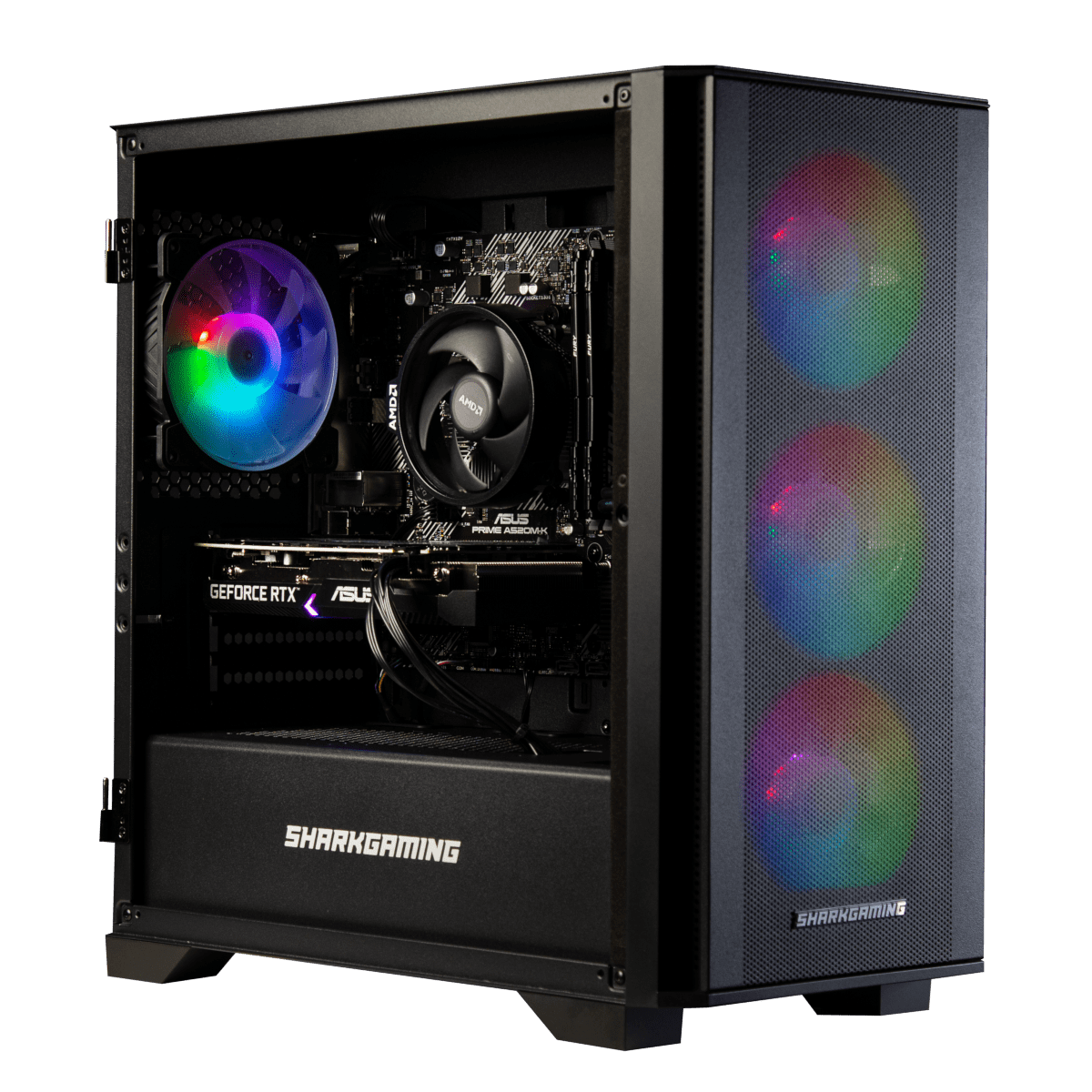
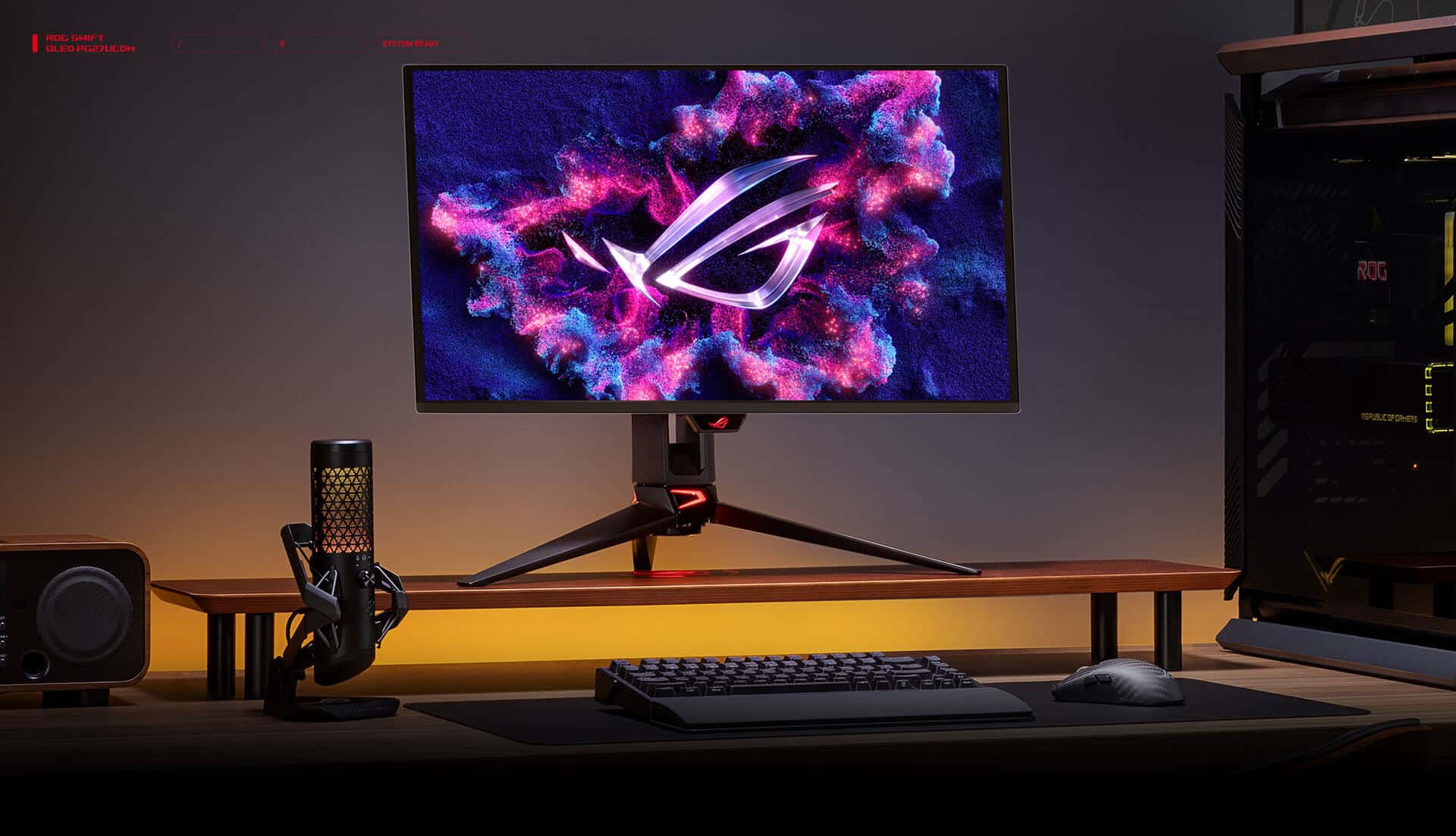
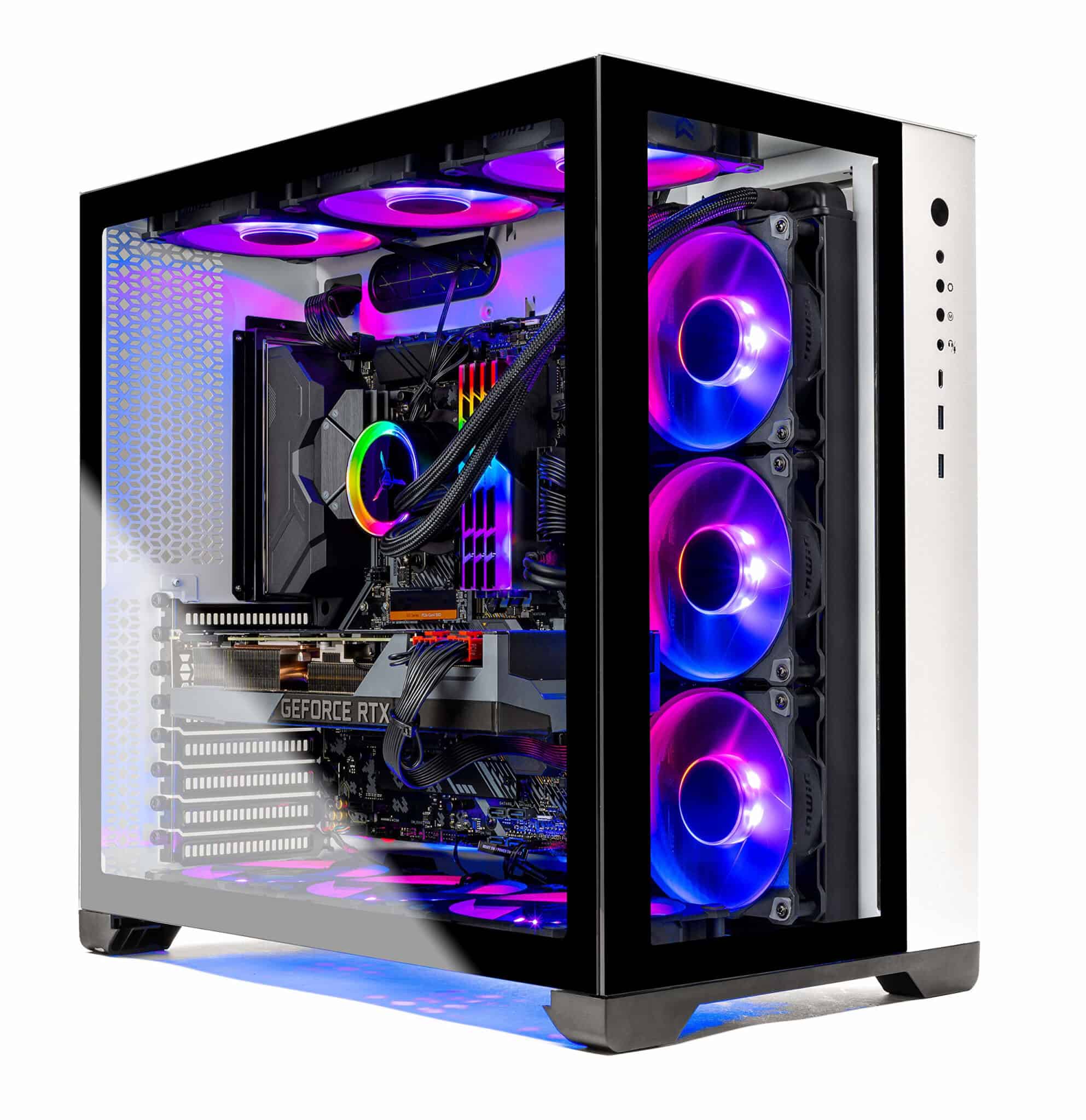
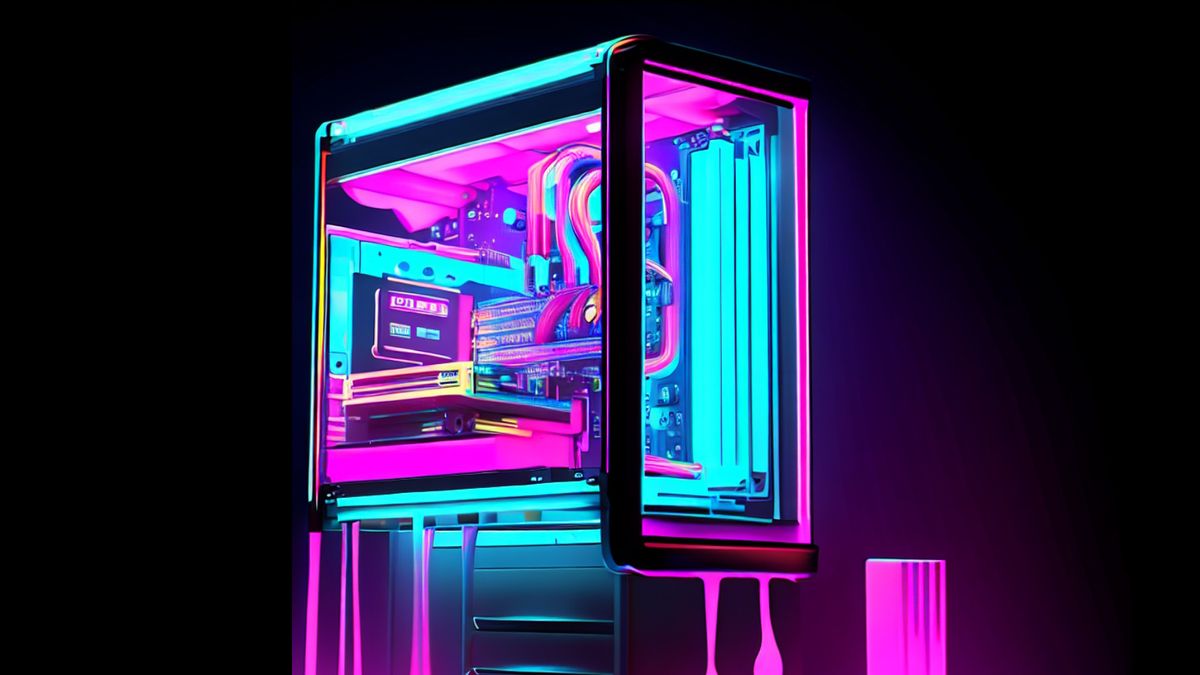
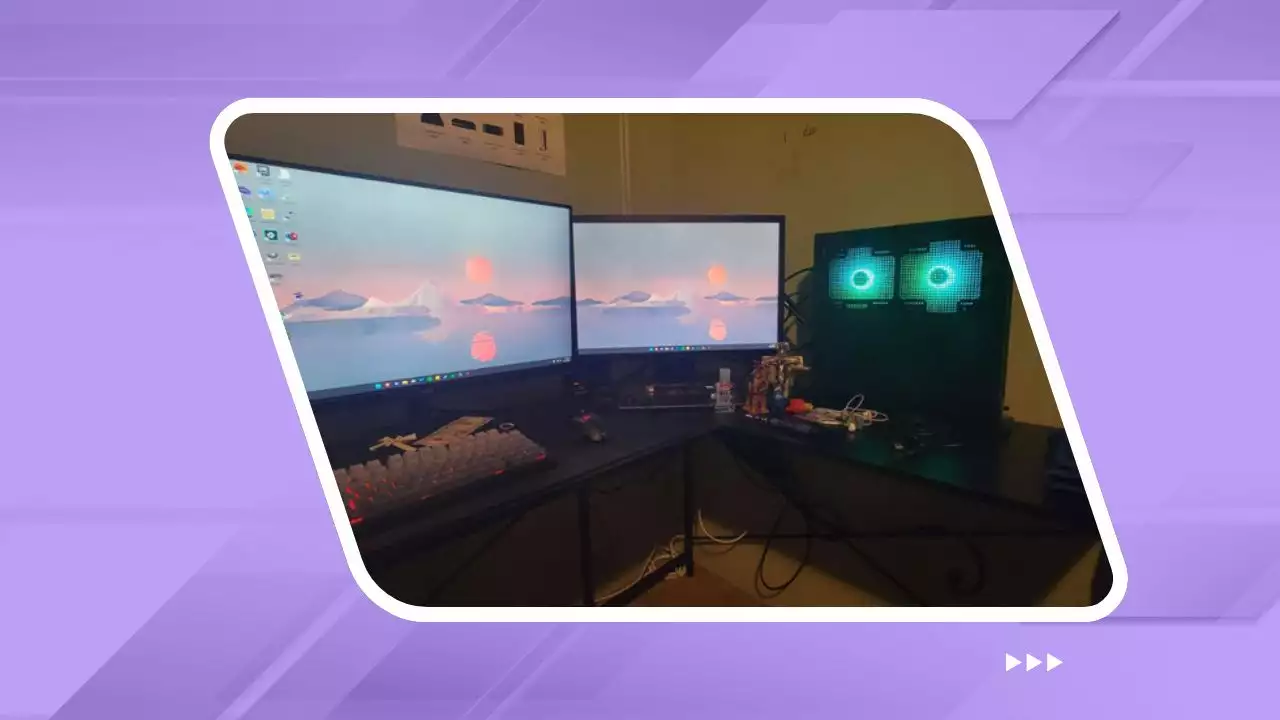
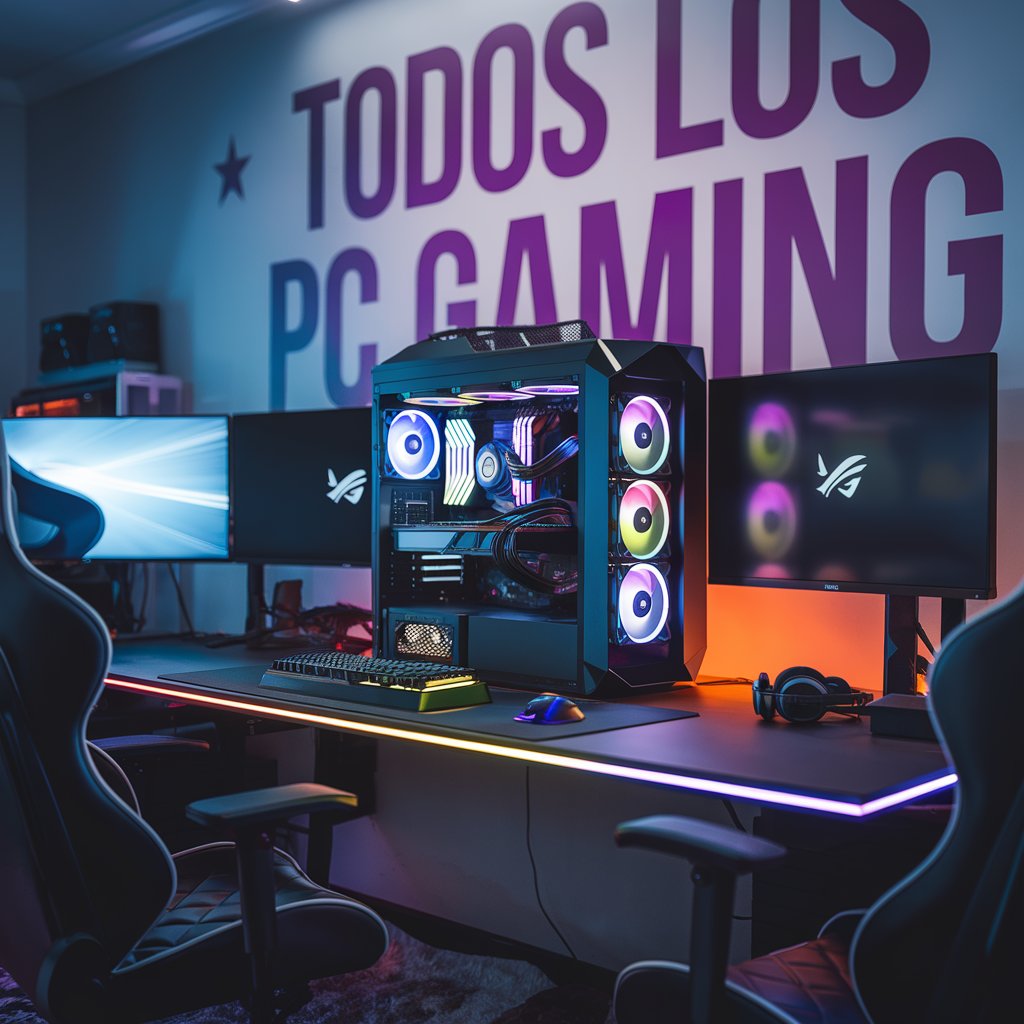
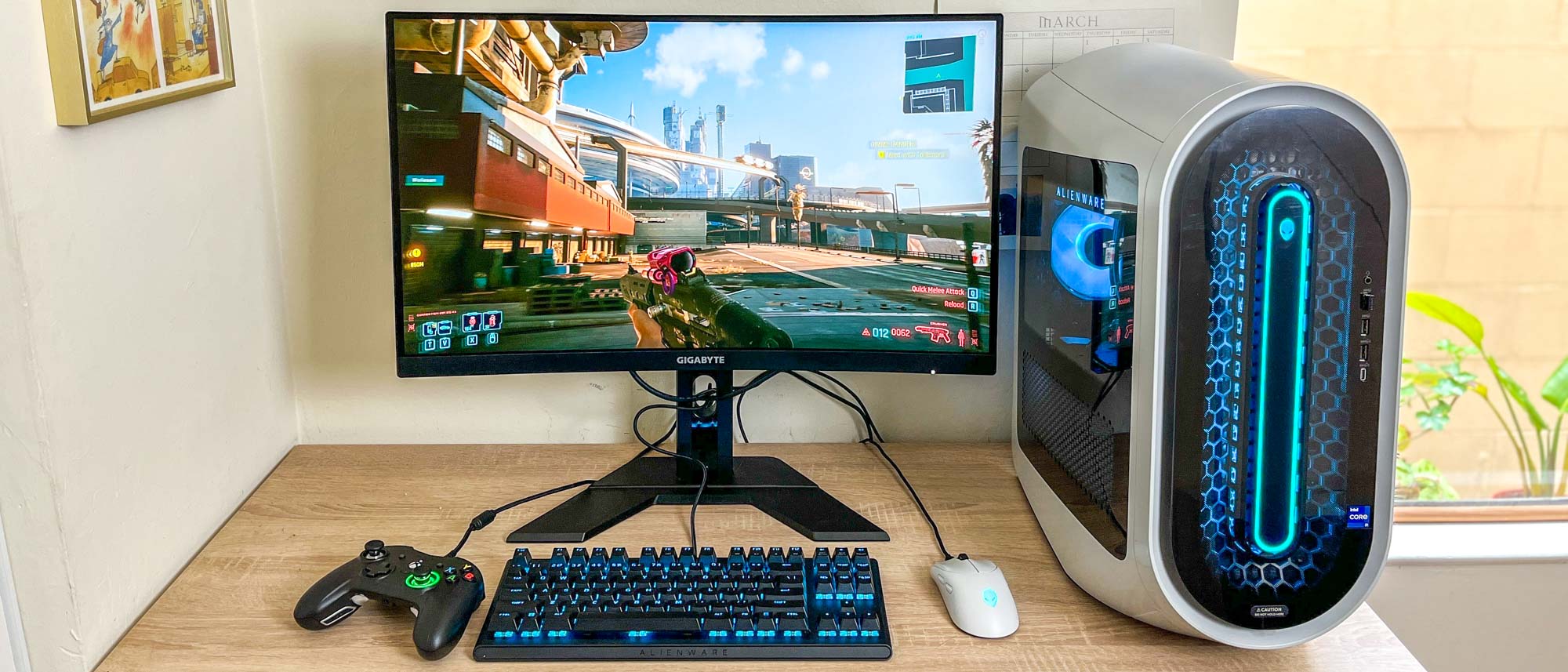
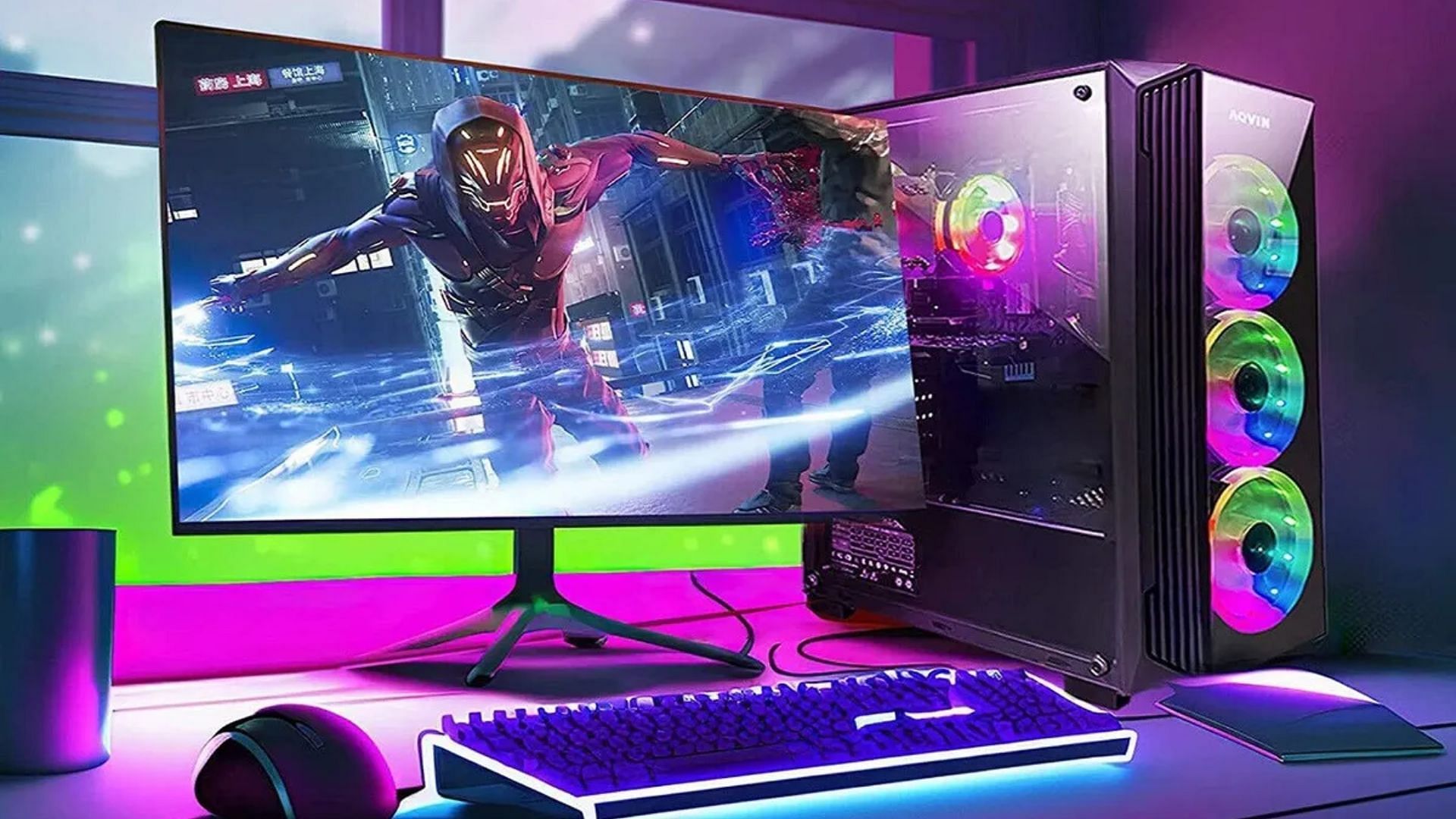
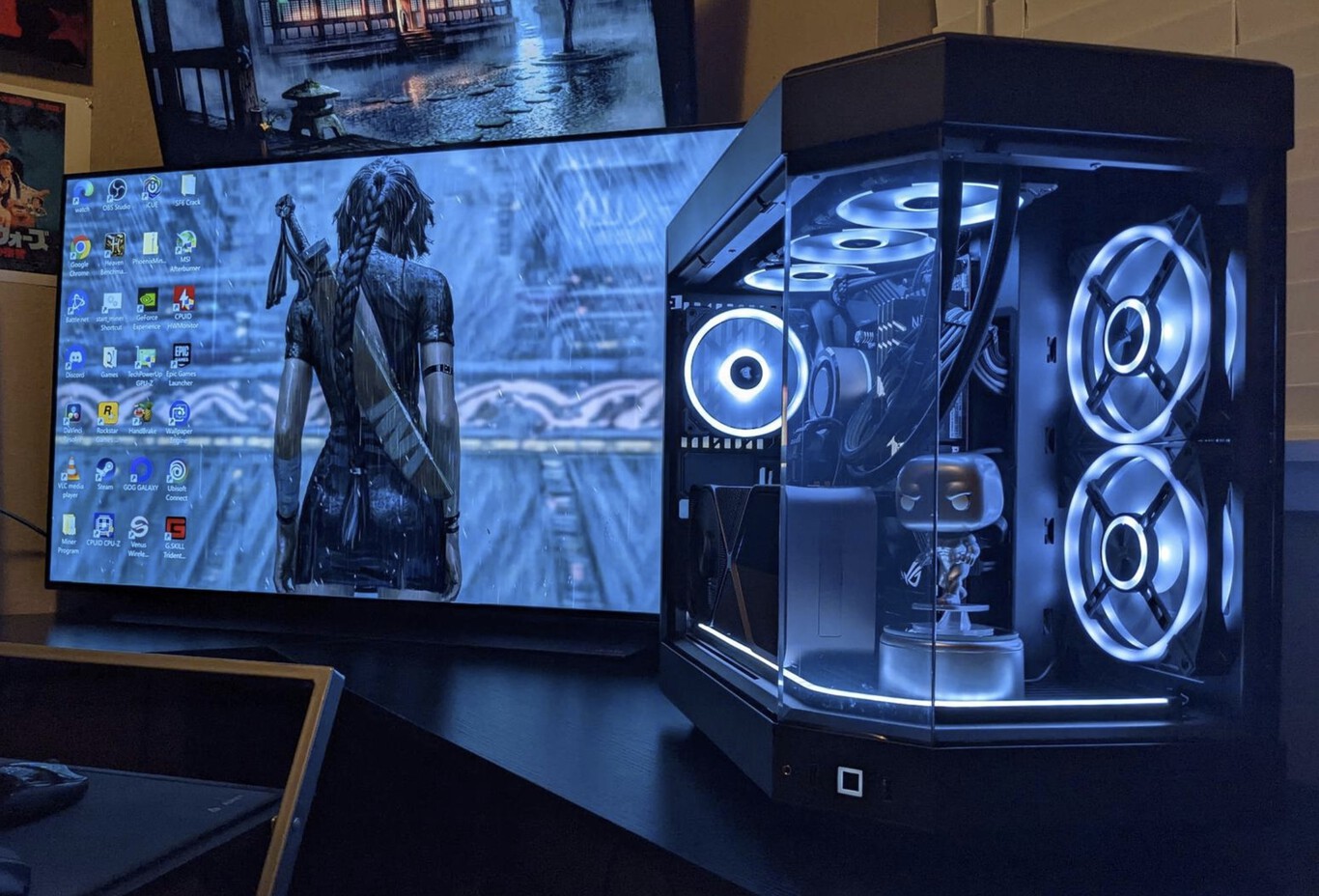
Gaming PC pictures have evolved into a vibrant art form, showcasing the incredible innovation and personal expression within the gaming community. Enthusiasts globally are constantly seeking to capture their powerful rigs and aesthetically pleasing setups. This comprehensive guide navigates the exciting world of gaming PC photography, revealing top trends and essential tips for 2026. Discover how to highlight intricate RGB lighting, showcase custom liquid cooling, and perfect cable management for jaw-dropping visuals. We explore current popular aesthetics from minimalist designs to cyberpunk-inspired builds, ensuring your pictures stand out. Learn techniques for optimal lighting, camera angles, and post-processing to elevate your content. Whether you are a beginner or a seasoned builder, unlock the secrets to creating truly viral gaming PC photos. Get ready to transform your setup into a visual masterpiece that captivates audiences.
Ever wonder how those incredible gaming PC pictures you scroll past online are made? It seems like everyone’s rig looks showroom ready these days. From the glowing RGB to the perfectly managed cables, these setups are true works of art. We’re here to spill the tea on how gamers achieve such visually stunning results. This isn’t just about powerful hardware anymore; it’s about capturing its soul.
In 2026, the visual presentation of a gaming PC is almost as crucial as its performance. Gamers are transforming their setups into personal statements. The rise of social media platforms dedicated to hardware showcases has fueled this creative explosion. Capturing these intricate builds requires both technical know-how and an artistic eye. Let's dive into making your gaming rig photography legendary.
The Evolution of Gaming Rig Visuals
Gone are the days of drab, beige towers hidden under desks. The gaming PC has proudly emerged as a centerpiece. Early 2010s saw the first glimpses of internal lighting. Fast forward to 2026, and we are experiencing an era of unprecedented customization. Every component, from RAM sticks to cooling fans, can now glow.
From Beige Boxes to RGB Spectacles
Initially, gaming PCs prioritized raw power above all else. Aesthetics were an afterthought, if considered at all. Then came windowed side panels, revealing a glimpse inside. This quickly led to the integration of simple LED strips. Now, Addressable RGB (ARGB) dominates the scene, offering millions of colors. Software integration allows dynamic lighting patterns to sync with games or music. This shift has turned functional machines into vibrant, dynamic art installations. The visual appeal drives hardware choices for many enthusiasts now.
2026 Trends in Gaming PC Photography
The landscape of gaming PC aesthetics is always evolving. For 2026, we're seeing some exciting new directions. Minimalist builds remain popular, but cyberpunk-inspired designs are also gaining traction. Furthermore, AI-powered lighting effects are becoming standard. These advanced systems learn game environments. They then project reactive ambient light onto walls. Transparent OLED displays integrated into cases offer dynamic visuals. These screens show system stats or animated art. We’re also seeing a huge push towards sustainability in materials and lighting choices. Eco-friendly builds are becoming a badge of honor. Photography needs to capture these nuanced and innovative elements effectively. The focus is on clean lines, sophisticated color schemes, and seamless integration of smart tech. Dynamic shots emphasizing movement and subtle changes in light are highly sought after.
Alright, folks, it’s time to get a bit more hands-on. Many of you are probably wondering about the nitty-gritty, right? This is where I come in, your friendly AI engineering mentor. We’re going to tackle some common questions about getting those perfect shots. Don't worry, it’s not as intimidating as it seems. Think of me as your co-pilot, guiding you through the visual wonderland of PC builds. You've totally got this.
Beginner / Core Concepts
You're just starting out, and that's fantastic! I get why this whole world of gaming PC photography might seem a bit overwhelming. But trust me, we all start somewhere. Let's get those fundamental concepts locked down, and you'll be snapping like a pro in no time.
- Q: What's the absolute first step I should take to get a good picture of my gaming PC?
A: Okay, the very first step, and this one used to trip me up too, is actually cleaning your PC. I know, not super glamorous, but it makes a world of difference. Dust and fingerprints are notorious for showing up in photos, even subtle ones. Grab some compressed air and a microfiber cloth. Gently wipe down all surfaces, especially glass panels and reflective components. This ensures a pristine canvas for your shot. It's like prepping a canvas before painting; a clean surface simply allows your masterpiece to shine through without distractions. Plus, it gives you a chance to admire your hard work up close. You've got this, don't skip this crucial prep! - Q: Should I use my phone camera or a dedicated camera for gaming PC pictures?
A: Honestly, for starting out, your phone camera is perfectly fine, maybe even preferred. Modern smartphones, especially in 2026, boast incredible camera technology that can capture stunning detail and handle challenging lighting situations really well. They're convenient, always with you, and often have great computational photography features. Now, a dedicated camera like a DSLR or mirrorless will offer more control over settings, wider dynamic range, and better low-light performance, which is great for advanced shots. But don't feel pressured to buy one immediately. Master your phone first. Practice with its portrait mode for depth, or experiment with its pro settings if it has them. You'll be surprised by the results, and you'll learn a ton about composition and lighting without the extra gear hassle. - Q: What's the big deal with RGB lighting in photos? How do I make it look good?
A: Ah, RGB, the heart and soul of many modern gaming setups! I get why this can seem tricky to photograph effectively. The big deal is that it adds dynamic visual flair, personality, and can really make a build pop. To make it look good, it's all about balance and settings. First, don't go overboard; sometimes less is more. Try a cohesive color scheme. Second, adjust your room lighting. Darker ambient light makes RGB stand out more, but don't make it pitch black, or you'll lose detail in other components. Third, when taking the photo, try slightly underexposing the shot if your RGB is blowing out, meaning it's too bright and losing detail. Your phone's manual settings or a camera's shutter speed and ISO can help here. Experiment with different brightness levels of your RGB itself through software. It's a dance between light and dark to highlight those vibrant colors without them becoming a blurry glow. - Q: How important is my background when taking pictures of my PC?
A: Oh, super important! This is a detail many beginners overlook, and it can totally make or break a shot. A messy or cluttered background draws attention away from your awesome rig and looks unprofessional. Think of your PC as the star of the show; you want nothing to steal its spotlight. A clean, simple background is usually best. This could be a plain wall, a minimalist desk setup, or even a diffused light source. If you have a cool gaming poster or aesthetic elements, ensure they complement your PC, not compete with it. You might even consider blurring the background slightly (bokeh effect) if your camera or phone allows it. This creates depth and focuses the viewer's eye squarely on your build. Try moving your PC to different spots in your room and see what works best!
Intermediate / Practical & Production
Alright, you've got the basics down, which is awesome! Now we're going to dive a little deeper into making your gaming PC pictures truly shine. This is where we start thinking about consistency, advanced techniques, and really making your visual story compelling. It's about refining your eye and your execution. You're building solid skills here, and it’s truly exciting to see your progress!
- Q: What specific camera settings should I consider for photographing RGB lighting effectively?
A: This one used to be a head-scratcher for me, too. When shooting RGB, you’ll want to adjust your camera's white balance first; try setting it to a specific Kelvin temperature (like 3000K-4500K for warmer tones or 5500K-6500K for cooler, natural light) instead of auto, as auto can get confused by all the colors. Next, focus on your exposure. A slightly lower ISO (100-400) will reduce noise, especially in darker areas. Your shutter speed will be key: a slightly faster shutter speed (e.g., 1/60s to 1/125s) can help prevent RGB blowouts, where the lights are too bright and lose definition. Also, a lower aperture (higher f-stop like f/8 or f/11) will ensure more of your PC is in focus, giving that crisp, detailed look throughout the components. Experimentation is your best friend here, because every setup's lighting is unique! - Q: How can I make my cable management look great in photos, even if it's not perfect?
A: Cable management is often the unsung hero, or villain, of a PC build, and I get why photographing it can be daunting. The trick is to showcase the *effort* you put in, even if every cable isn't perfectly braided. First, focus on visibility. For areas easily seen through glass panels, ensure cables are neatly routed, perhaps using cable combs or zip ties to keep them together. For the rear, where it’s less visible, aim for functional tidiness; out of sight, out of mind for the front shot. In photos, use angles that emphasize the clean lines you *do* have. Use soft, diffused lighting to minimize harsh shadows that might reveal imperfections. If you have custom braided cables, definitely highlight those! They add a premium touch. Remember, the goal is perceived neatness, not absolute surgical precision. - Q: What are common post-processing techniques used to enhance gaming PC pictures?
A: Post-processing is where the magic really happens, turning a good photo into a great one! I always tell people it's not cheating, it's just finishing the job. Common techniques include adjusting exposure to balance bright RGB with darker shadows. You'll want to tweak highlights and shadows to bring out details that might be lost. Color correction is crucial to ensure your RGB colors are vibrant and accurate, not washed out or oversaturated; use saturation and vibrance sliders judiciously. Sharpening can really make components pop, but don’t overdo it, or your image will look grainy. Finally, minor noise reduction can clean up any visual artifacts, especially in low-light shots. Tools like Adobe Lightroom or even built-in phone editors can do wonders. A little polish goes a long way. - Q: How do I choose the best angle to photograph my gaming rig?
A: Choosing the right angle is like finding the perfect pose for a celebrity; it highlights their best features! My advice is always to experiment. Start with a classic eye-level shot directly in front of the side panel to capture the overall aesthetic. Then, try a slightly elevated angle looking down; this can emphasize the depth of your build, especially if you have a top-mounted AIO or fans. Low angles can make your PC look more imposing and powerful. Don't forget detail shots! Get in close on that custom GPU backplate, a unique fan, or a custom liquid cooling run. Consider the rule of thirds for composition; try placing your PC slightly off-center for a more dynamic look. Think about what story you want to tell and what feature you want to emphasize most. - Q: Myth vs Reality: Do expensive cameras automatically guarantee better gaming PC photos?
A: Oh, this is a classic myth I hear all the time, and I totally get why people think it! Reality check: an expensive camera doesn't automatically make you a better photographer. While a high-end DSLR or mirrorless camera offers superior sensors, lenses, and manual control, it's the *person* behind the lens who truly makes the difference. You can take absolutely stunning photos with a modern smartphone if you understand lighting, composition, and basic editing. Conversely, someone can have the fanciest camera kit and still produce mediocre shots if they lack fundamental photography skills. Think of it like a gaming mouse: a fancy one won't make you a pro if your aim isn't there. Investing in learning and practicing composition, lighting, and post-processing will yield far better results than just throwing money at gear. - Q: What are some creative ways to make my gaming PC photos stand out in a crowded online space?
A: This is where you get to unleash your inner artist! To really stand out, think beyond just a static shot. One powerful technique is to incorporate dynamic elements; this could be using a fog machine for an atmospheric effect (be careful with electronics!) or capturing a subtle animation from an OLED screen within your case. Secondly, consider storytelling. Instead of just a picture of the PC, show it in its natural habitat – maybe a shot with your pet nearby, or with a game running on the monitor reflecting onto the glass. Third, play with unique perspectives. Try shooting through an object in the foreground to create depth, or use a wide-angle lens for an immersive feel. Fourth, consider a series of photos that tell a progression story, like a build log. In 2026, AI-generated backgrounds or subtle AR overlays for social media are also becoming popular. Don't be afraid to break conventional norms; creativity is your biggest asset!
Advanced / Research & Frontier 2026
Alright, you're here because you're ready to push boundaries and explore the cutting edge, which is exactly the kind of passion I love to see! We're talking about leveraging advanced tech and understanding the future landscape of PC aesthetics and how to capture it. This isn't just about taking pictures; it's about pioneering new visual narratives. You're diving into the deep end, and I'm here to ensure you swim like a champion.
- Q: How are 2026 AI imaging models impacting the future of gaming PC photography?
A: This is fascinating territory, and I get why it sparks curiosity! In 2026, advanced AI imaging models like o1-pro and Gemini 2.5 are revolutionizing photography. For gaming PCs, this means several things. First, AI can intelligently enhance raw photos, automatically correcting white balance, exposure, and even selectively sharpening textures like brushed aluminum or intricate PCB designs, something traditional tools struggle with contextually. Second, we're seeing AI-powered 'virtual staging,' where you can place your PC photo into stunning, realistic virtual environments, offering endless creative backdrops without needing a physical studio. Third, AI can generate dynamic lighting effects or even subtle reflections that were never physically present, adding a layer of hyper-realism or artistic flair. My current Llama 4 reasoning models suggest that future AI might even predict optimal angles based on a 3D scan of your rig, offering personalized photographic advice. It's truly a game-changer for accessibility and quality. - Q: What role do holographic displays and dynamic case materials play in advanced PC aesthetics and photography?
A: This is where things get really sci-fi, which is awesome! By 2026, holographic displays are starting to appear in high-end custom cases. These aren't just screens; they project 3D images, like rotating fan logos or animated characters, appearing to float within the case. Photographing these requires precise lighting and camera focus to capture the 3D effect without distortion. Dynamic case materials, utilizing electrochromic glass or customizable E-ink panels, can change opacity, color, or even display patterns on demand. For photography, this means you're no longer shooting a static object but a living, evolving canvas. You'll need to think about capturing sequences or using long exposures to convey the material's transformation. These innovations push photographers to think about motion and multi-dimensionality in their shots, moving beyond traditional still imagery. - Q: How do professionals achieve 'clean room' aesthetics in gaming PC photos without a dedicated studio?
A: Ah, the coveted 'clean room' look! This used to be a huge production, but advanced techniques and tools make it more accessible now. Professionals typically combine meticulous physical preparation with sophisticated post-processing. Physically, they'll use a portable light tent or a large, seamless white backdrop for pure isolation. Diffused, even lighting is critical to eliminate harsh shadows and create a soft, uniform look. The secret sauce, however, often lies in compositing and masking in post-production. They might take multiple exposures (one for the RGB, one for ambient light, one for detail) and blend them. More importantly, precise masking allows them to remove any residual background imperfections or dust. With tools like Claude 4, image segmentation and object removal have become incredibly precise, allowing you to 'digitally clean' your background with just a few clicks. It’s about creating a sterile, almost ethereal presentation of the rig, focusing solely on its form and light. - Q: What are the ethical considerations when using AI to enhance or generate gaming PC images for public sharing?
A: That's a super important question, and I'm glad you're thinking about it! As AI becomes more powerful (especially with models like o1-pro and Llama 4 reasoning), the line between reality and enhancement blurs. Ethically, the main consideration is transparency. If an image is heavily AI-generated or significantly altered beyond basic color correction and cropping, it's generally good practice to disclose that, especially if you're showcasing it as 'your build.' This maintains trust within the community. Misrepresenting an AI-enhanced image as a purely physical build can mislead others about what's achievable or even lead to unrealistic expectations. Also, consider intellectual property if AI is used to create entirely new designs or components; ensure you're not infringing on existing patents or designs. It's about honesty and fostering a fair, creative environment. Keep experimenting, but always with integrity! - Q: How will advancements in micro-LEDs and transparent components influence future gaming PC photography?
A: This is where the future gets incredibly exciting for visualizers! Micro-LEDs, expected to become mainstream by late 2026 for PC components, offer incredibly precise, tiny light sources with superior brightness and color accuracy compared to current ARGB. This means photographers will be able to capture even finer, more intricate lighting patterns and gradients, demanding higher resolution and dynamic range from cameras. Transparent components, like fully see-through PCBs or dynamic transparent OLED case elements, will present unique photographic challenges and opportunities. You'll be able to shoot *through* parts of the PC, revealing layers and depth that are currently impossible. This calls for complex lighting setups to illuminate multiple layers without creating reflections or obscuring views. The focus will shift from just illuminating components to illuminating *through* them, creating a truly multi-dimensional visual experience. It's going to push our understanding of depth and light significantly.
Quick 2026 Human-Friendly Cheat-Sheet for This Topic
- Clean it Up: Always dust and wipe down your PC before shooting. A clean rig always photographs better!
- Use Natural Light: Position your PC near a window for soft, diffused light, avoiding direct sunlight.
- Balance RGB: Don't let your RGB lights overpower the shot. Dim them slightly for detail.
- Steady Your Shot: Use a tripod or stable surface to prevent blurry photos, especially in lower light.
- Experiment with Angles: Try eye-level, slightly elevated, and low angles to find your PC's best side.
- Simple Background: A clean, uncluttered background keeps the focus on your awesome build.
- Edit Smartly: A little post-processing goes a long way. Adjust exposure, colors, and sharpen judiciously.
Optimal RGB lighting techniques for photography, showcasing custom liquid cooling, expert cable management, high-resolution component display, trending aesthetic themes, effective camera angles, post-processing for visual impact.
What To Expect From Valve In 2026 The Return Of The Steam Machine A Download 3d 2026 Digits 4k 2026 Concepts Red Technology Background Thumb2 3d 2026 Digits 4k 2026 Concepts Red Technology Background 2026 New Year Best Alienware Gaming PC 2026 Out Of This World Aurora Builds
Rets Bedste Gaming PC 2026 Den Ultimative Guide Min Come Assemblare Un PC Guida Per 2026 Best Mini PCs For Gaming.webpTop 10 Most Anticipated Games Of 2026 Biggest Upcoming Game Releases 8 Best Gaming PCs For 2026 Ultimate Buyer S Guide The Budget Gaming Pc 2026.webp
3 Best Prebuilt Gaming PCs Of 2026 Power Up Your Gameplay Top 2025 Gaming Pc Picks 2g35l Top 10 Best Desktop Computers 2026 For Home Office And Work Lenovo Legion Tower 7i 2026 High Performance Desktop Computer With RGB Lighting Featured InTOP 40 BIGGEST NEW Games Coming In 2026 With Crazy NEXT GEN 4K Graphics The Best Cheap Gaming Laptops For 2026 Tested For Gaming Top 3 Gaming Laptops Of 2026 - The Ultimate Guide 1200x342
Beste Gaming Computer 2026 Hardware Handbuch Mejores Ordenadores Gaming De 2023 Y Como Elegir If GTA 6 Isn T Coming To PC Until 2026 This Is What A Top End Gaming 1200 80 Gaming PC And Graphics Card Shipments Will Grow Into 2025 Due To 1200 80 5 Best Gaming Laptops Under 1000 2026 Buyer S Guide Built To Frag New Games 2025 2026
How To Choose A Gaming Monitor In 2026 Complete Gaming Monitor Buying Gaming Monitor Guide 2026Buy Call Of Duty 2026 PC Call Of Duty 2026 Pc Game Cover TOP 50 BIGGEST NEW Games Coming In 2026 With Crazy NEXT GEN 4K Graphics PC Gaming PC Bueno Bonito Y Barato 700e 2026 El Que Yo Comprar A Lista Pc Gaming
The Best Gaming PCs In 2024 Tom S Guide Guide Xbox Game Pass In 2026 The Full List Of Everything Announced So Far Large The Best Gaming PC Of 2026 Top Prebuilt Desktops Gaming Pc Whatsapp Web Le Guide Complet Pour Tout Ma Triser 2025 Guide Monter Pc Gamer 2026 Une 1 1
How To Upgrade Your Gaming PC 2026 Edition GadgetMates Bg Intro1 Vs Pangoly Vs BuildMyPC Which Is The Best PC Building Tool Building A Gaming PC In 2026.webpBest Gaming Desktop For 600 Best Gaming Desktops Buy Halo 2026 PC Steam Halo 2026 Pc Steam Cover
Best Gaming PCs To Buy In 2024 8ca85 1920 My Gaming PC 2026 PlayStation Pro Switch 2 And An RTX 5090 In A How To Upgrade Your Gaming PC 2026 Edition GadgetMates Buy Gaming Pc Las Vegas 1985x2048 Lenovo Could Be Solving One Of The Biggest Problems With Gaming Laptops 2560 80
Enthusiast Builds AMD Gaming PC Entirely Made Of Cardboard Specs Top 10 Most Anticipated Games Of 2026 What To Watch Out For GAMES IN 2026 Building A New Gaming PC In 2024 FullCleared Building A Gaming Pc In 2024 Fullcleared 35